


Comprehensive Prompting Techniques with Examples
As an AI artist, the joy comes from exploring the boundless potential of artificial intelligence in bringing your imagination to life. It’s a dance between human intuition and machine precision, offering endless possibilities to express, innovate, and transcend traditional boundaries.
Here, every brush stroke, every pixel, is a step into the future, transforming the way we perceive and interact with art. AI artistry isn’t just about creating; it’s about embarking on a thrilling journey of discovery, experimentation, and self-expression, challenging the status quo and redefining the limits of what’s possible.
Here’s ten quick tips to think about as you stare at that blinking cursor.
- Prioritize critical words: Place essential words near the beginning of the prompt to maximize their influence, even if it compromises grammatical correctness. Example: Instead of “a beautiful sunset over a calm sea,” try “sunset, beautiful, calm sea.”
- Distinguish between soft and hard breaks: Use commas for soft breaks and “::” for hard breaks to control the blending of concepts in the image. Example: “apple, orange” (soft break) vs. “apple::orange” (hard break)
- Assign weights to words and images: Control the influence of words with “::n” and images with “–iw n.” Smaller values (0.5) incorporate minor elements, while larger values (10) emphasize the image prompt. Example: “red::0.5” (small influence) vs. “red::10” (large influence)
- Select an optimal aspect ratio: Choose the best aspect ratio to accommodate desired elements and prevent unwanted artifacts. Example: Use a square aspect ratio for a single portrait to avoid extra facial features.
- Reference relevant artists: Incorporate an artist’s name to guide the model toward the desired outcome. Example: “Portrait in the style of Rembrandt” for a classic portrait.
- Experiment with detailed prompts: Detailed prompts can produce stunning or nonsensical results. Focus on essential words and iterate as needed. Example: “A serene landscape with a waterfall, lush greenery, and a rainbow” might require multiple iterations.
- Combine image and text prompts: Describe the image’s key elements to help transfer those elements to the generated image. Example: Use an image of a mountain and add the text “snow-covered peaks” to ensure the final image includes snow.
- Include images in the desired style: If the model lacks reference to the desired style, provide images in that style as guidance. Example: If the model doesn’t recognize a painter’s name, use images of their work as prompts.
- Specify critical aspects: Clearly define important aspects, even those that seem obvious. Example: Request a “symmetrical beautiful face” instead of just a “beautiful face” for a more accurate result.
- Utilize negative weights or “–no”: Control confusing prompts by excluding unwanted elements. Example: Add “–no ice” to an “ice cream” prompt to reduce ice-related elements.
Here is an example prompt we’d like to share with you. We have much more on Stable Diffusio, Midjourney an other Ai Art tools, so check back often!
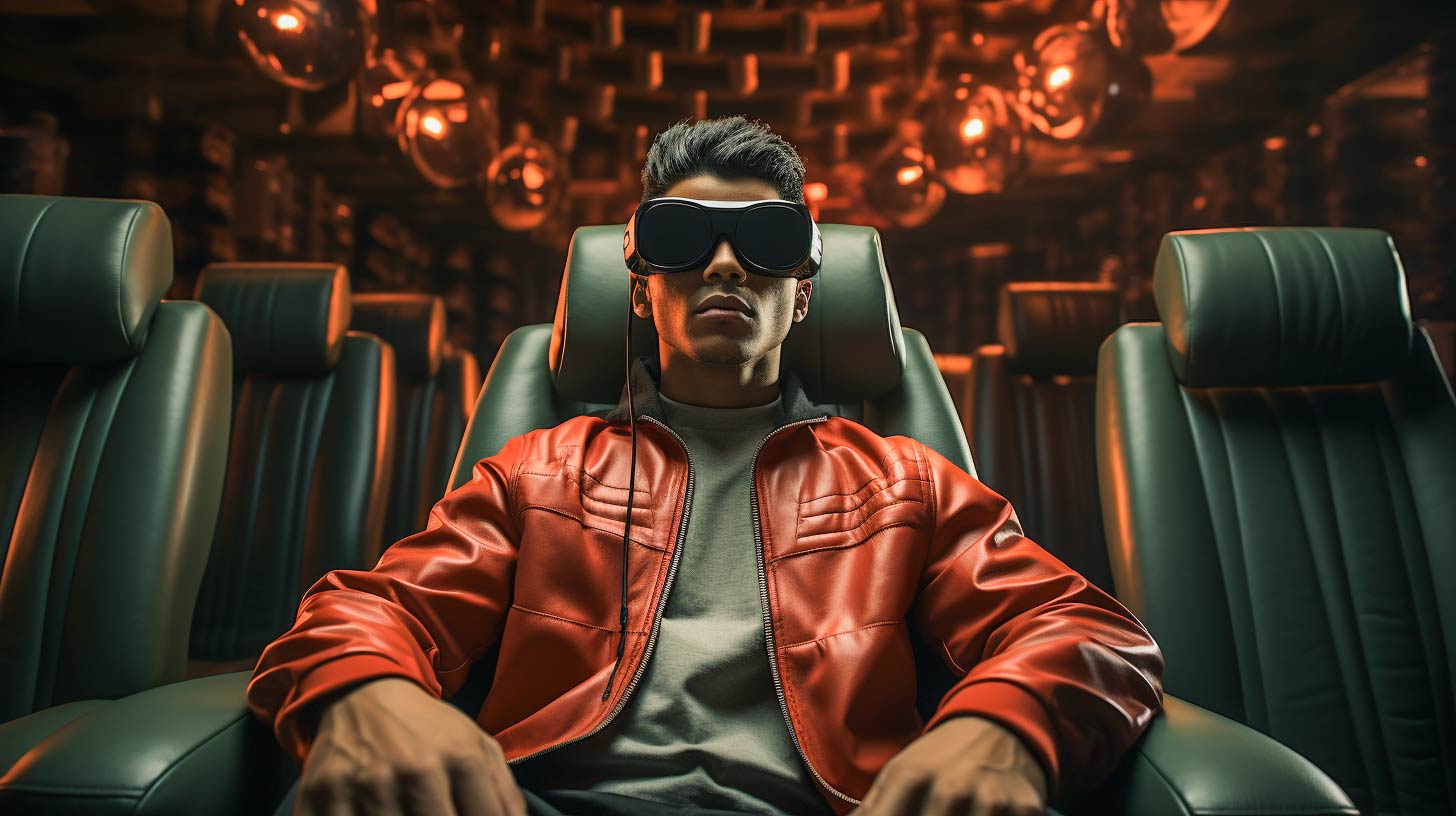
Prompt
a prisoner is sitting, sleek oakley sunglasses, with digital lenses, matrix Smith outfit::4, viewing a big projected display, Maxell taped ad (1980’s), in the style of virtual and augmented reality, lively interiors, Ready Player One, floating structures, transparency, loose paint application, pixar 3D Renderman, –-s 565 –-v 5.2 –-ar 16:9
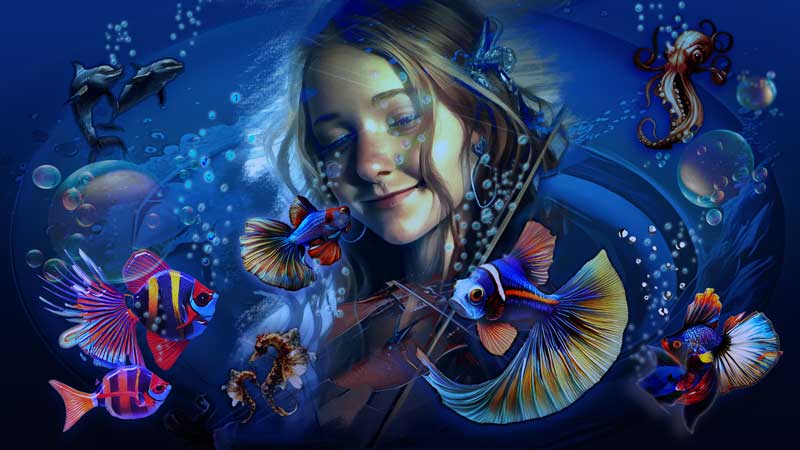
The Fishiverse!
A Limted Edition series of orginal art by Chris Tome. Found exclusively at Bouncing Skull.
Learn about the process, purchase originals, get a shirt, and more!












0 Comments